EXCIT is the Platform’s virtual currency. Purchase EXCIT with EUR and use it to generate AI 3D models or buy existing digital assets. All prices are displayed before confirming your order.
Buy EXCIT
Purchase EXCIT securely using Euros (EUR). Your balance is updated automatically after a successful payment, with a fixed conversion rate of 1 EUR = 1 EXCIT.
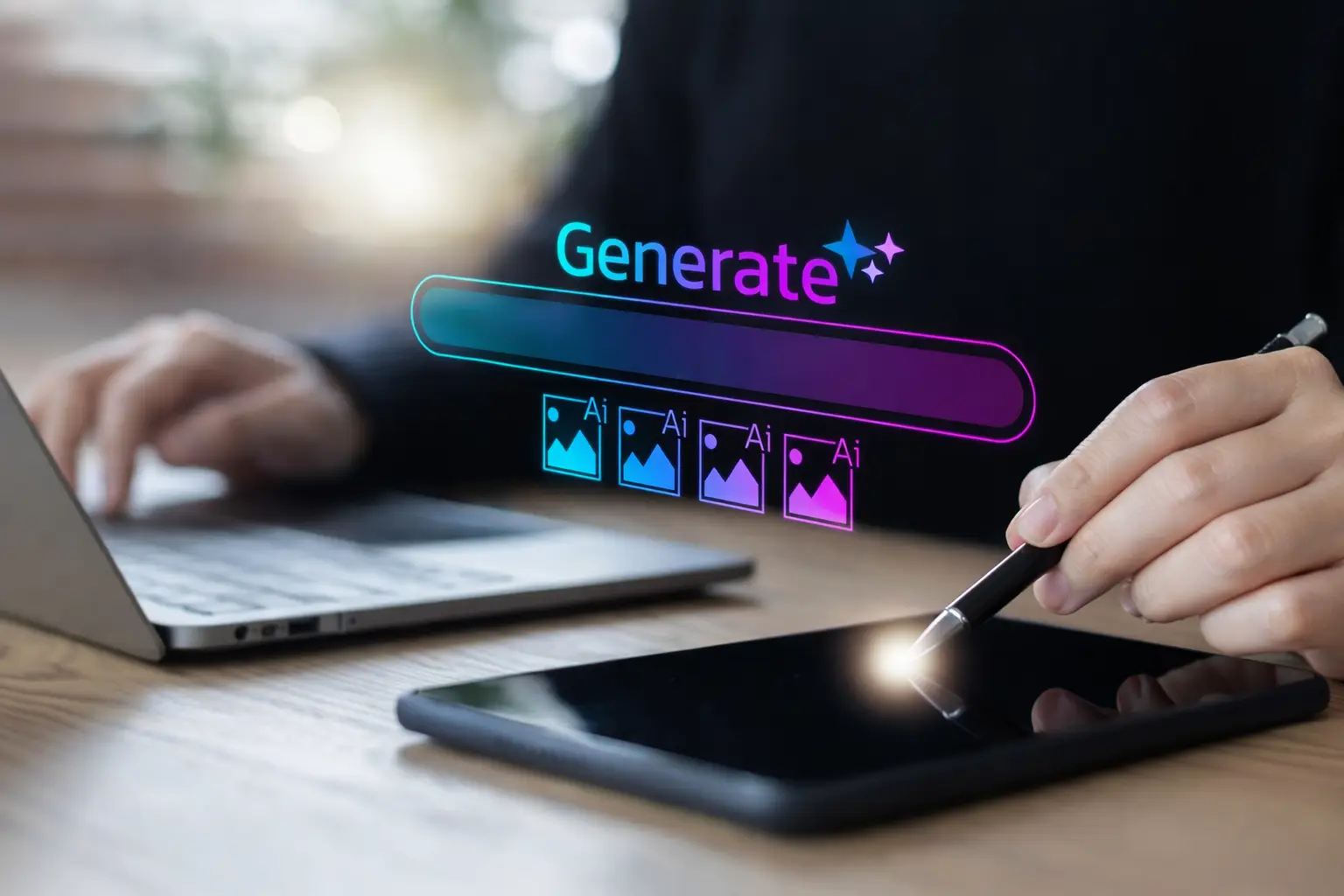
Generate 3D
Use EXCIT to generate high-quality AI 3D models from your prompts. The generation cost is clearly displayed before you submit your request.
Buy Assets
Spend EXCIT to purchase ready-made 3D models available on the Platform. Product prices are displayed in EXCIT before every purchase, with no hidden charges.
SHOWCASE
Explore Generated 3D Assets
Glide through our fluid showcase of abstract 3D shapes and luminous gradients.
Design Without Friction
Focus on ideas — let the system handle the heavy lifting.
Analytics Cookies Gather insights on visitor activity to improve site performance and usability.
Marketing Cookies Show ads that match your interests and measure campaign results.
Functional Cookies Keep the site running properly by remembering settings and cart items.
Finilize Order
Product:
Please log in to view your balance.
After your purchase, you’ll receive a ZIP file containing your .glb 3D model and a custom .txt file with the original prompt used to create it. Perfect for creative minds exploring the digital world. 🎨💻
🧩 Step-by-Step Guide
✅ Step 1: Picture Your Creation Start by imagining the object or scene you want to design. Focus on one clear concept — for example:
A medieval shield
A futuristic motorcycle
A robot companion
✅ Step 2: Write a Strong, Detailed Prompt Describe your object precisely. Include:
Main subject: what you’re designing
Visual style: realistic, stylized, low-poly, hand-painted, etc.
Materials and colors: steel, fabric, wood, glass, bright or muted tones
Unique elements: lighting effects, engravings, accessories, or motion
🏍️ Prompt Example
A cyberpunk motorcycle with a sleek matte black body, glowing pink neon wheels, holographic dashboard, and aerodynamic side fins. The design is highly detailed and realistic, illuminated by city lights.
💡 Prompt Breakdown
Main concept: cyberpunk motorcycle
Body design: matte black, aerodynamic shape
Colors: black base with pink neon glow
Details: holographic panel, city reflections
Style: realistic cyberpunk aesthetic
✅ Step 3: Generate Your 3D Model Click Generate, and let the AI transform your prompt into a model. Depending on detail, it might take a few minutes.
✅ Step 4: Review and Improve Once your model is ready:
If it looks perfect — download it.
If something feels off, refine your prompt — clarify shapes, materials, or style, then generate again.
✅ Step 5: Download and Use When you’re satisfied, download the final model in GLB format — ready for use in games, AR/VR experiences, 3D printing, or any digital project.
Our website makes use of cookies
Cookies help us provide a smoother and more personalized browsing experience. Click “Accept” to allow all cookies, or review your options in our Cookie Policy and Privacy Policy